Your WhatsApp status is often the first thing a regular customer sees in the morning. Yet many shops post blurry screenshots, forwarded images without their own name, or posters with no price and no way to order. Each of these makes a customer scroll past.
The most common issues we see are: low-resolution photos, missing prices or offer end dates, no shop name or phone number, too much text, posting at random times, and repeating the same poster for a week.
02HOW TO FIX IT
Simple fixes you can apply today
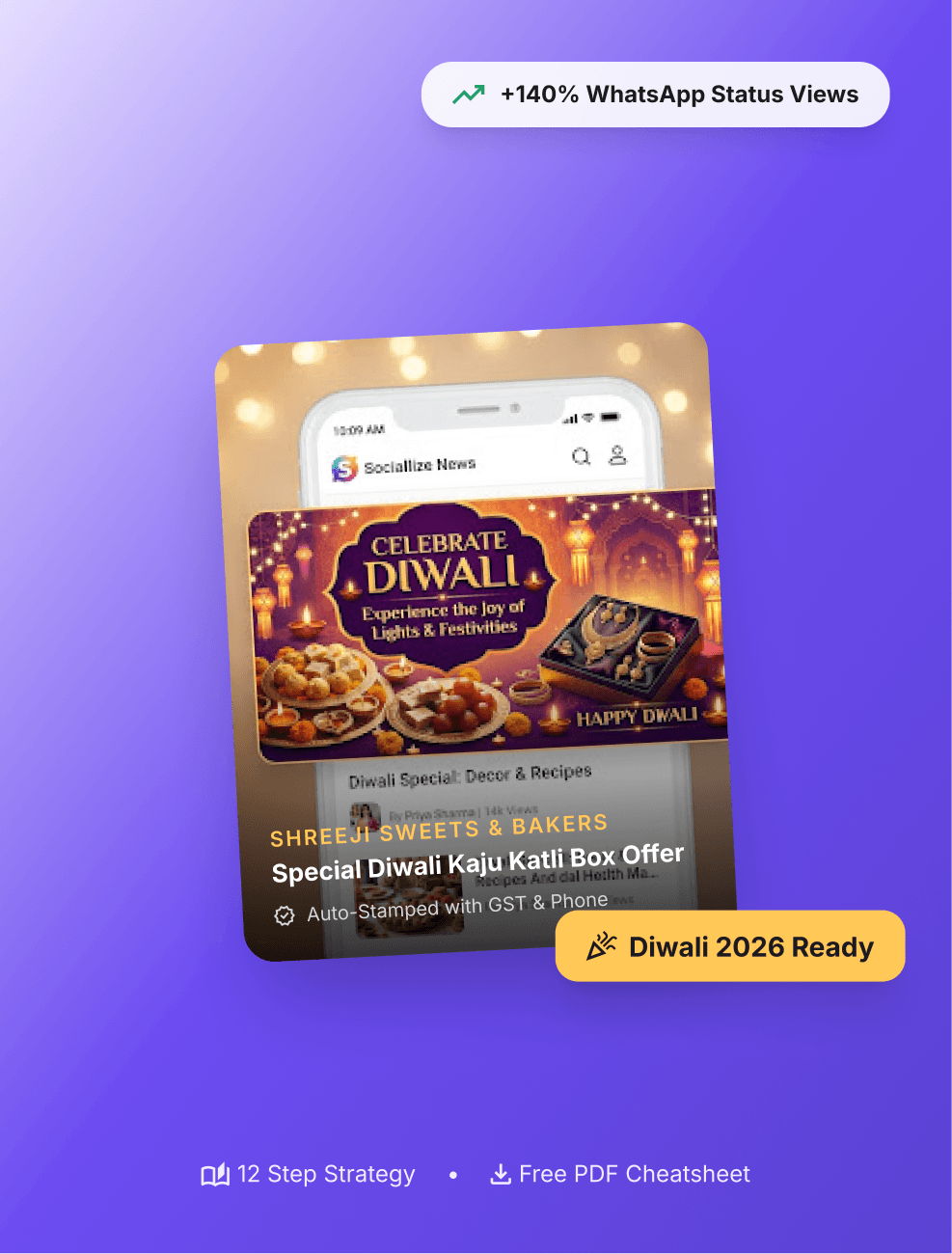
Use a clean template. Start from a ready design so every post looks consistent. Always show the price or the offer clearly. Add your logo and number once with Sociallize auto-branding so it appears on every poster automatically.
Post at the same time every day — mornings and early evenings work well for most local shops — and end every status with a clear action such as “Reply YES to book”.
03BEFORE YOU POST
A 10-second checklist
Is the image sharp? Is the offer and price clear? Is your shop name and phone visible? Is there one clear call-to-action? If the answer is yes to all four, you are ready to share.
Was this article helpful to your business?
Merchant Discussion
Have a festival marketing tip that worked for your shop, or a question for our team? Share it with us on WhatsApp or email — we feature the best merchant tips in upcoming playbooks.